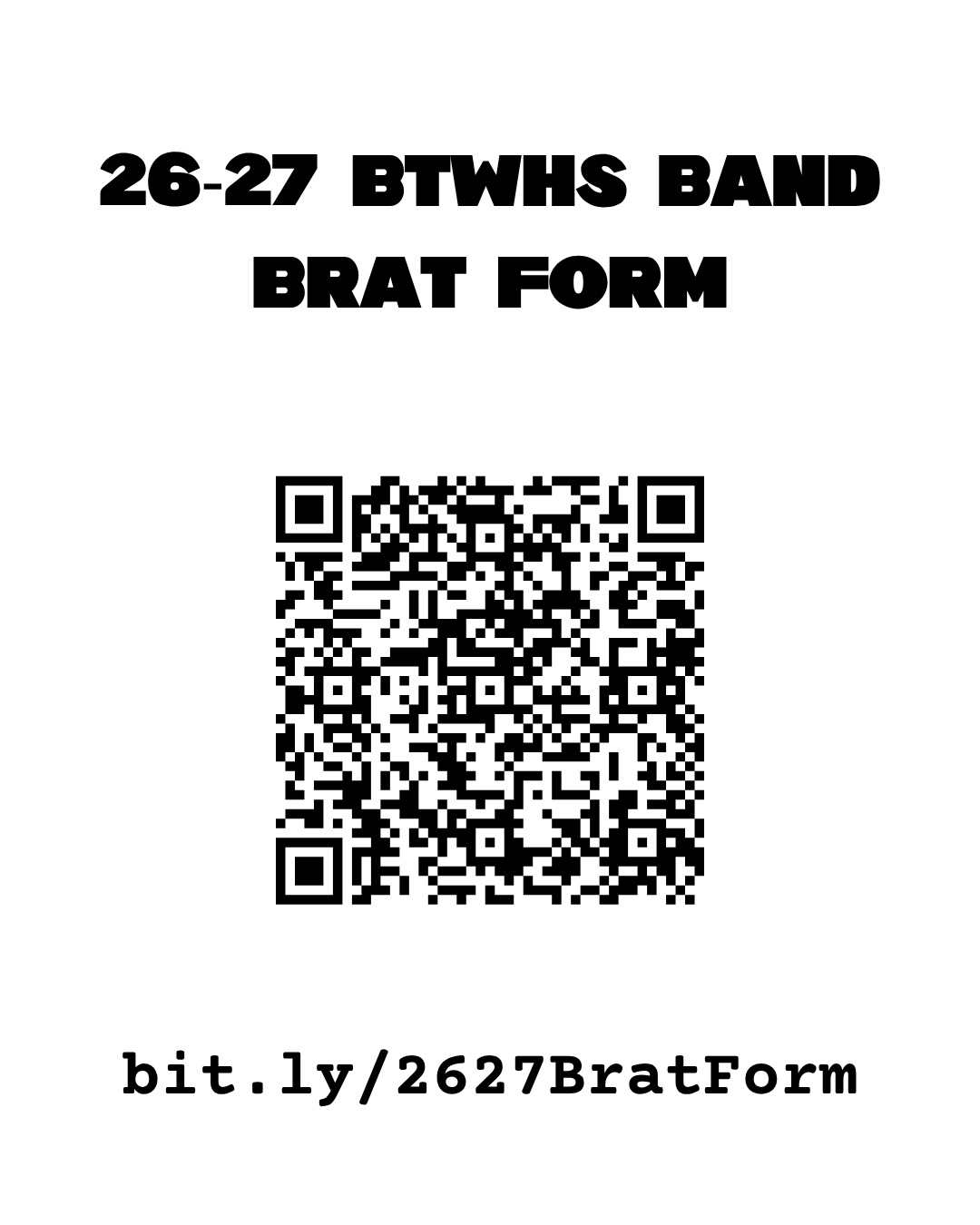
26-27 BRAT Form: bit.ly/2627BratForm
I mentioned the BRAT Form at last night’s Booster meeting and promised to send out the link today – here you go!
When I first created it a few years ago, BRAT stood for Band Rehearsal Absences & Tardies. While it now covers absences, tardies, and early departures from any band event, the name has stuck!
I also updated the form this morning. After submitting the form you should now receive a confirmation page, and you should have the option to email yourself a copy of your submission. If that feature doesn’t work correctly, please let me know at [email protected].
What is the BRAT Form?
The BRAT Form is the official way to notify the band staff of any absence, tardy, or early departure from any band activity, including:
- Rehearsals
- Performances
- Football games
- Parades
- Concerts
- Competitions
- Any other scheduled band event
Students or parents may complete the form.
While we appreciate a quick email letting us know a student will be absent or late, keeping up with three separate email accounts isn’t practical. The BRAT Form puts everything in one place so all directors have access to the same information.
Why does attendance affect grades?
Band is a team activity—and during marching season, it’s very much a team sport.
Every student plays an important role on the field and in the ensemble. When someone is absent, late, or leaves early, it affects rehearsal, drill, music, and the students around them. Unlike many classroom assignments, rehearsal time can’t truly be recreated with a make-up assignment.
Our goal is to provide every student with the best possible experience, and that starts with everyone showing up prepared to work together.
The BRAT Form Rules
1. Submit a BRAT Form entry for every absence, tardy, or early departure.
No BRAT Form = Unexcused absence/tardy/early departure and will be reflected negatively in the student’s participation grade for that event.
2. Submitting the form does not automatically excuse the absence.
The reason must meet the guidelines below.
Excused Reasons
Examples of excused absences or tardies include but are not limited to:
- Illness or school-approved absence
- Doctor, dentist, or orthodontist appointments (please upload a photo of the doctor’s note)
- After-school tutoring (students should report to the band room afterward with a pass)
- Make-up testing (students should report to the band room afterward with a teacher pass)
- School club meetings (students should report to rehearsal no later than 3:45 p.m., ready to participate)
- Approved split time with another school activity or sport (communicate with both sponsors in advance)
Reminder: Even excused absences require a BRAT Form submission.
Common Reasons That Are Not Excused
These are some of the most common situations we encounter:
- Work: Our calendar is published well in advance so students can provide employers with their band schedule.
- Minor ailments while attending school: If a student is well enough to attend school, they are expected to attend rehearsal as well.
- Not eating before practice: Breakfast and lunch are available free to all BTWHS students. Please plan ahead so you have the energy for rehearsal.
- Homework: We understand students have demanding schedules. If schoolwork becomes overwhelming, talk with directors early. We’re happy to help students develop a plan before they fall behind.
- Forgetting an instrument or equipment: Still come! There is always something productive to work on during rehearsal.
2026–2027 Calendar
Approximately 90% of next year’s calendar has already been posted on our Google Calendar.
Please remember that event times may occasionally change because of weather, district scheduling, athletics, or other circumstances beyond our control. We’ll communicate any changes as soon as possible.
Some events currently appear as “All Day” because performance times have not yet been assigned. Those times will be updated as soon as they become available.
I’ll begin adding events to CutTime after end-of-year processing is complete. If there is ever a discrepancy between the Google Calendar and CutTime, please use the Google Calendar as the official schedule, as it is much faster to update.
Where can I find the BRAT Form?
The BRAT Form is available in several places:
- Link at the bottom of every CutTime email and text
- QR code on the band office door
- QR code on the band bulletin board
- On our website (search “BRAT Form”)
- Pinned in the Band Parent GroupMe (link coming soon)
- Pinned in each student section GroupMe
Pro Tip
Bookmark the BRAT Form on your phone or computer. After submitting, you can simply choose “Submit another response” to quickly file another report in the future.